Version 2.22 Adds WLC Support
March 28, 2026 - Reading time: ~1 minute
Wireless labs have arrived in PocketCLI.
You can now add a Wireless LAN Controller (WLC) and Access Points (APs) to your topology and configure them through the CLI.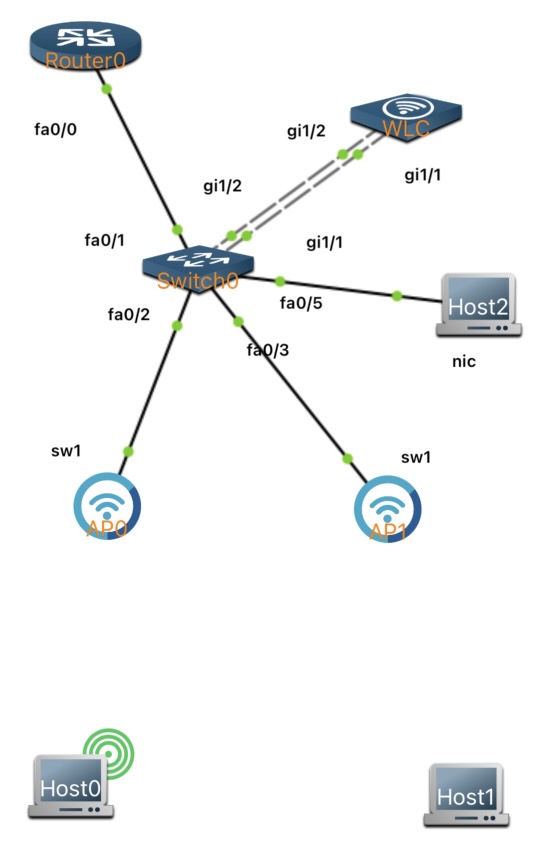
For this initial release, keep these limitations in mind:
- WLC and APs should be placed on the same network
- Only one WLC per lab is currently supported
- The available wireless command set is still limited and will expand over time
- For now, the wireless management interface must be configured on a VLAN interface.
This release includes support for
- Basic WLC show commands
- WLAN creation and security settings
- Policy profiles and policy tags
- AP tag assignment
- Basic AP CAPWAP configuration commands
As with the rest of PocketCLI, all wireless configuration is handled entirely through the command line. A guided tutorial for WLC and AP setup is coming soon.